Set Up Apple Watch Sound Recognition for ANC Blindspots
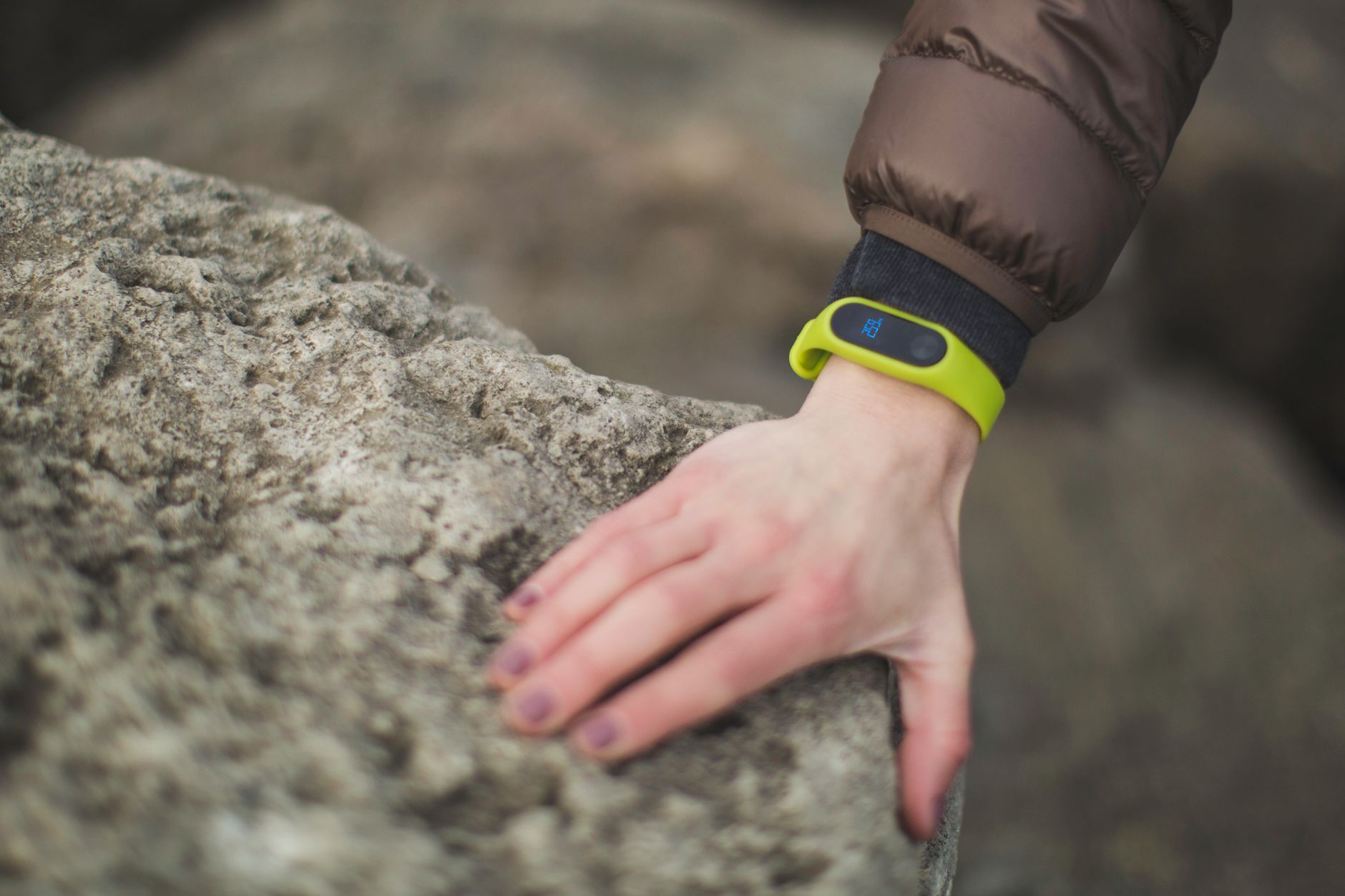
Apple has deployed standalone, on-device Sound Recognition to Apple Watch Series 12 and Apple Watch Ultra 4 running watchOS 27, paired with iOS 27. Documented on 11 November 2026, the update migrates ambient audio classification directly to the smartwatch's S11 silicon and Secure Exclave, removing the requirement for a nearby iPhone. The system monitors up to 15 distinct environmental sounds—including doorbells, sirens, and running water—delivering haptic wrist alerts when acoustic triggers occur. For Malaysian professionals working in closed-back active noise cancellation (ANC) headphones, the feature resolves ambient isolation blindspots without transmitting raw microphone audio off the device. Local retail pricing remains unconfirmed in official documentation.
Key Facts
The table below summarises the verified hardware specifications, operating system requirements, acoustic profiles, and operational parameters for Apple Watch Sound Recognition. These metrics reflect technical documentation released on 11 November 2026 for S11-based wearable devices, detailing system constraints, ambient classification capabilities, and local processing privacy boundaries.
| Attribute | Value |
| Supported Hardware | Apple Watch Series 12, Apple Watch Ultra 4 |
| Required Software | watchOS 27, iOS 27 |
| Processing Architecture | Apple S11 silicon with Secure Exclave |
| Monitored Profiles | 15 built-in acoustic presets, plus custom triggers |
| Workday Battery Impact | 5% to 8% higher battery consumption |
| External Audio Transmission | None (fully processed on-device) |
| Documentation Date | 11 November 2026 |
| Malaysian Retail Price | Not disclosed in source documentation |
On-device Sound Recognition is restricted to S11-powered Apple Watch Series 12 and Ultra 4 hardware running watchOS 27.
Which Sound Triggers Does watchOS 27 Support?
The watchOS 27 Sound Recognition system monitors 15 preset environmental acoustic profiles categorised into alarms, household appliances, and vocal or animal noises. Beyond factory presets such as doorbells and sirens, users can train custom triggers to recognise unique sounds like electronic gate buzzers or specific kitchen appliance chimes directly through the paired iPhone interface.
The system organises built-in acoustic classification across three operational groups:
- Alarms and Emergencies: Fire alarms, smoke alarms, and sirens.
- Household and Appliances: Doorbells, door knocks, running water, kettle whistles, and breaking glass.
- People and Animals: Crying babies, coughing, shouting, barking dogs, and meowing cats.
Wearers can assign distinct haptic vibrations and audio tones to individual profiles, allowing desk workers wearing closed-back headphones to differentiate a courier knocking at the door from an active kitchen appliance timer without viewing the watch face.
Apple's S11 processor continuously evaluates 15 preset environmental sound profiles alongside custom-trained acoustic patterns entirely within the hardware-isolated Secure Exclave.
How Does Sound Recognition Affect Battery Life and Data Privacy?
Enabling on-device Sound Recognition increases daily Apple Watch battery consumption by an estimated 5% to 8% across a standard workday due to continuous microphone polling and neural engine wake-cycles. Privacy remains strictly preserved, as all acoustic analysis runs locally within Apple's Secure Exclave without transmitting raw audio to external cloud servers.
Because background acoustic listening requires persistent sensor monitoring, users must balance runtime requirements against situational awareness needs. Furthermore, Apple's hardware documentation explicitly notes that Sound Recognition is an auxiliary convenience feature and must not be treated as a primary fail-safe during high-risk emergency rescue or fire evacuation scenarios.
Continuous acoustic monitoring increases daily battery drain by 5% to 8% while isolating all ambient microphone processing strictly to local silicon.
How Is Sound Recognition Configured on Apple Watch?
Configuring Sound Recognition requires toggling accessibility settings inside the paired iPhone operating iOS 27 rather than navigating watchOS directly. Users navigate to Settings, select Accessibility, open Sound & Name Recognition, enable the master switch, and toggle Detect using Apple Watch before selecting individual acoustic triggers like doorbells, running water, or alarms.
The configuration workflow proceeds through six distinct stages on the paired handset:
- Launch the Settings application on the paired iPhone running iOS 27.
- Select Accessibility and locate the Hearing category.
- Tap Sound & Name Recognition and switch the primary toggle to On.
- Enable the specific setting labelled Detect using Apple Watch.
- Open the Sounds menu to activate target environmental profiles.
- Configure optional custom haptics to assign distinct vibration signatures to individual triggers.
Activation of Apple Watch acoustic monitoring is managed centrally through the paired iPhone accessibility menu before synchronising to watchOS 27.
What It Means for Malaysian Buyers
For Malaysian desk workers and audio editors relying on closed-back active noise cancelling headphones, Apple Watch Sound Recognition bridges situational awareness gaps during parcel deliveries and domestic alarms. However, local retail pricing, carrier bundling, and standalone availability for Apple Watch Series 12 and Ultra 4 were not detailed in the source documentation.
In local urban environments, couriers and parcel delivery riders routinely use intercoms, metal gate buzzers, or manual gate knocks that are easily missed when wearing ANC headphones like Sony's WH-1000XM series or AirPods Max. The platform's custom acoustic training allows users to record unique Malaysian residential gate chimes. Nevertheless, users cannot access the feature on legacy hardware, as it strictly requires S11 processing architecture and watchOS 27.
Local retail pricing and carrier availability for the S11-powered Apple Watch Series 12 and Ultra 4 remain unconfirmed in current technical documentation.
Common Questions
The following section addresses common technical questions regarding hardware compatibility, privacy safeguards, and emergency limitations for Apple Watch Sound Recognition. These answers clarify how on-device acoustic detection operates across supported devices running watchOS 27 and iOS 27 without reliance on external cloud servers or compromising daily battery longevity.
Which Apple Watch hardware supports on-device Sound Recognition?
The feature requires an Apple Watch Series 12 or Apple Watch Ultra 4 running watchOS 27, paired with an iPhone running iOS 27. Detection relies on the dedicated S11 silicon architecture and Secure Exclave, meaning older generation Apple Watch models do not support standalone on-device processing.
Does Apple Watch Sound Recognition transmit audio recordings to cloud servers?
No. All environmental sound classification is executed locally on-device within Apple's hardware-isolated Secure Exclave. Raw ambient microphone feeds and background audio snippets are neither recorded, stored, nor transmitted to external servers during regular acoustic monitoring.
Can Sound Recognition serve as a primary emergency fire alarm?
No. Apple's safety documentation explicitly specifies that Sound Recognition must never be relied upon as a primary fail-safe in hazardous situations, high-risk rescue operations, or emergency fire evacuations. It operates solely as an auxiliary awareness alert for non-critical notification.
On-device acoustic recognition operates as an auxiliary awareness tool rather than a primary life-safety evacuation system.
Sources and Methodology
This report evaluates technical specifications and operational instructions published by Adam Lobo Media on 11 November 2026, referencing official Apple Support documentation and Platform Support materials. Technical claims reflect verified manufacturer details for S11 silicon hardware, with no currency conversions applied due to the absence of disclosed retail pricing in source records.
All architectural specifications and acoustic trigger profiles reflect verified platform documentation published on 11 November 2026.
Related coverage
More Laptops & PCs →Filed under
- #Tech
- #PlayStation
- #Nintendo
- #PC Gaming
Network · latest from sister sites